
Add your renders, plans and sections. Portovy lays them out as print pages you can keep editing.
For job applications and academic opportunities: pages made from your own drawings, ready to send.
Upload your finished PDF. Review reads it page by page and tells you what to fix first.
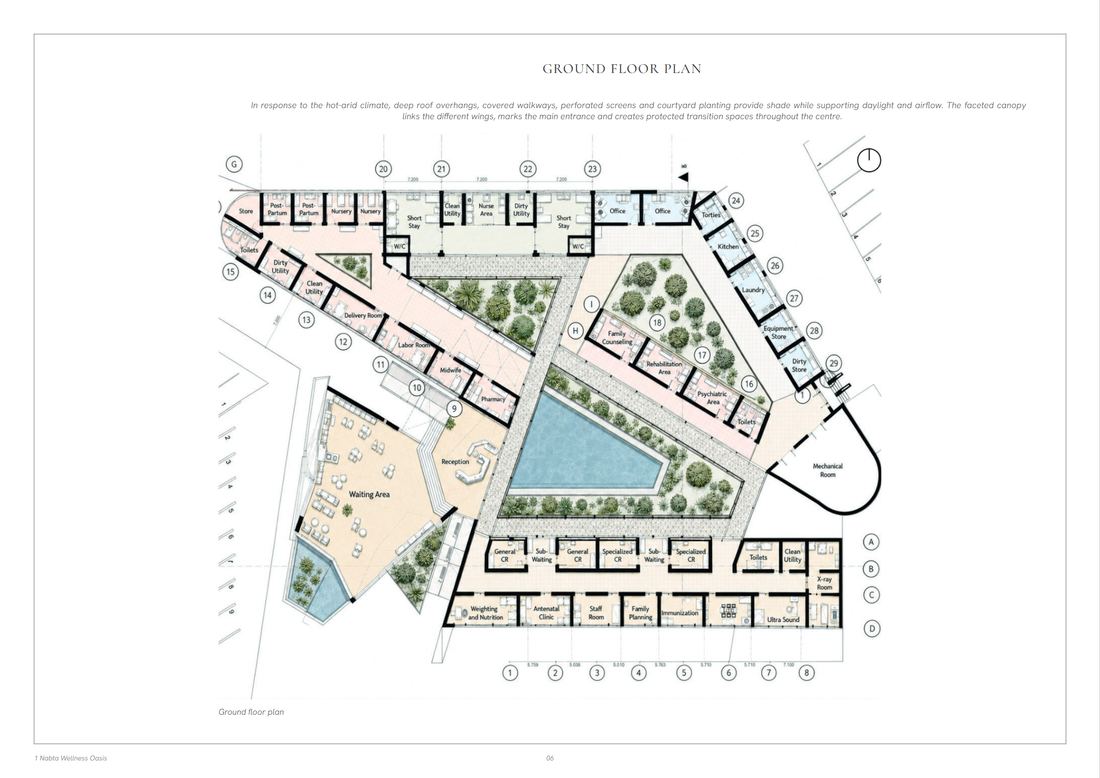
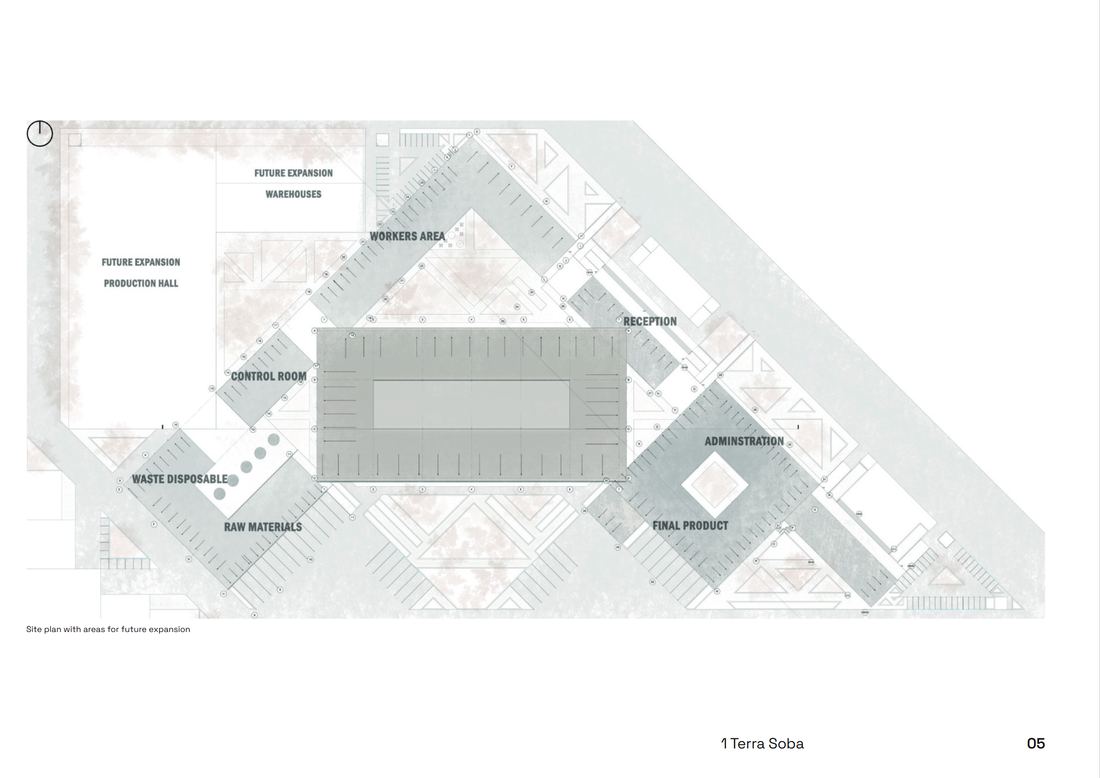
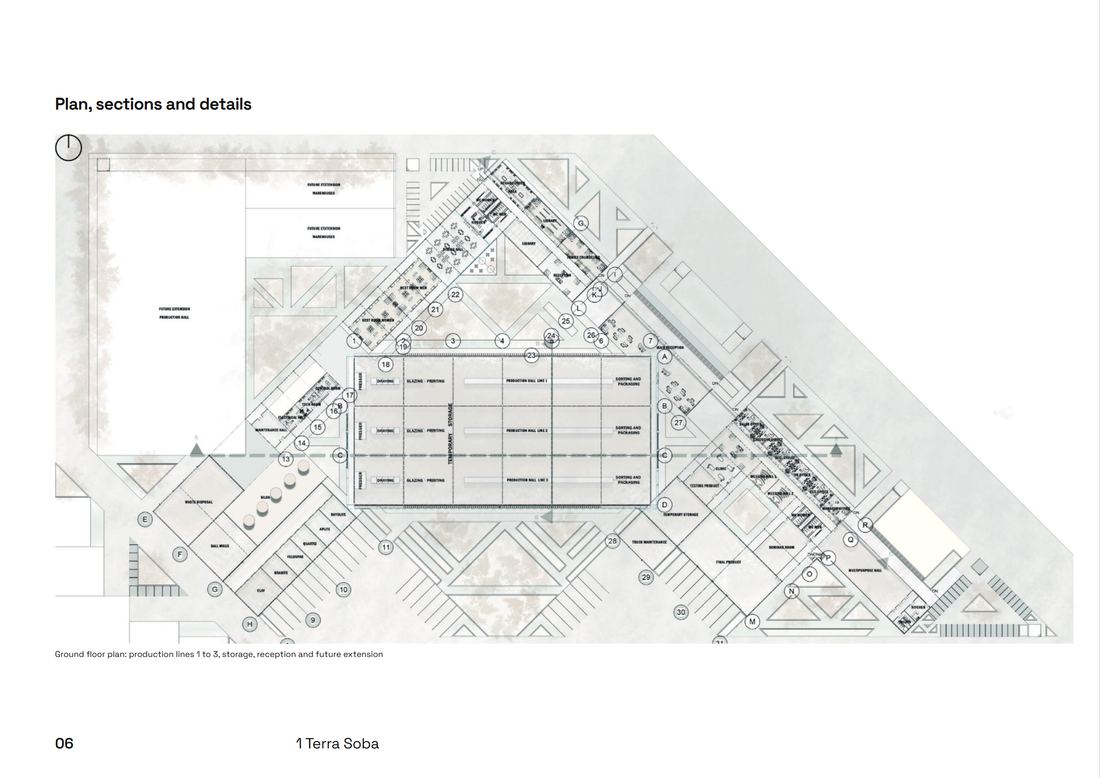
The plan is read at print size; both are needed to read it.
Two sizes of labels compete; one size reads calmer.
The plan has the whole page and nothing fights it.
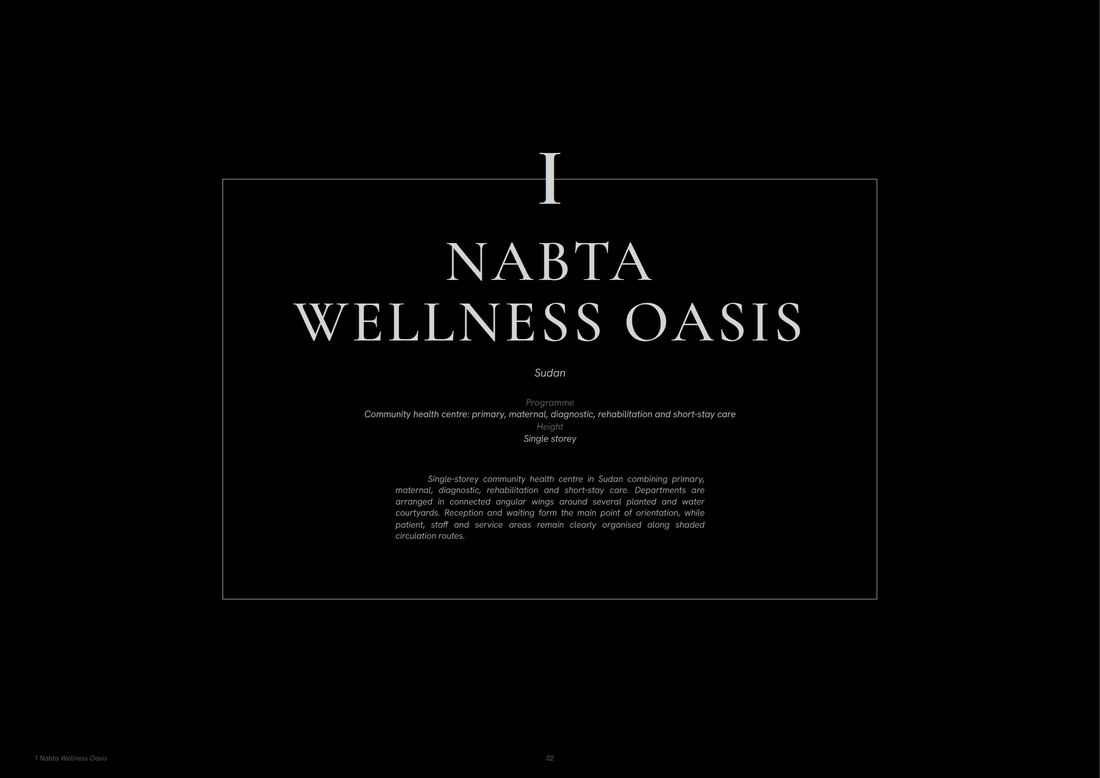
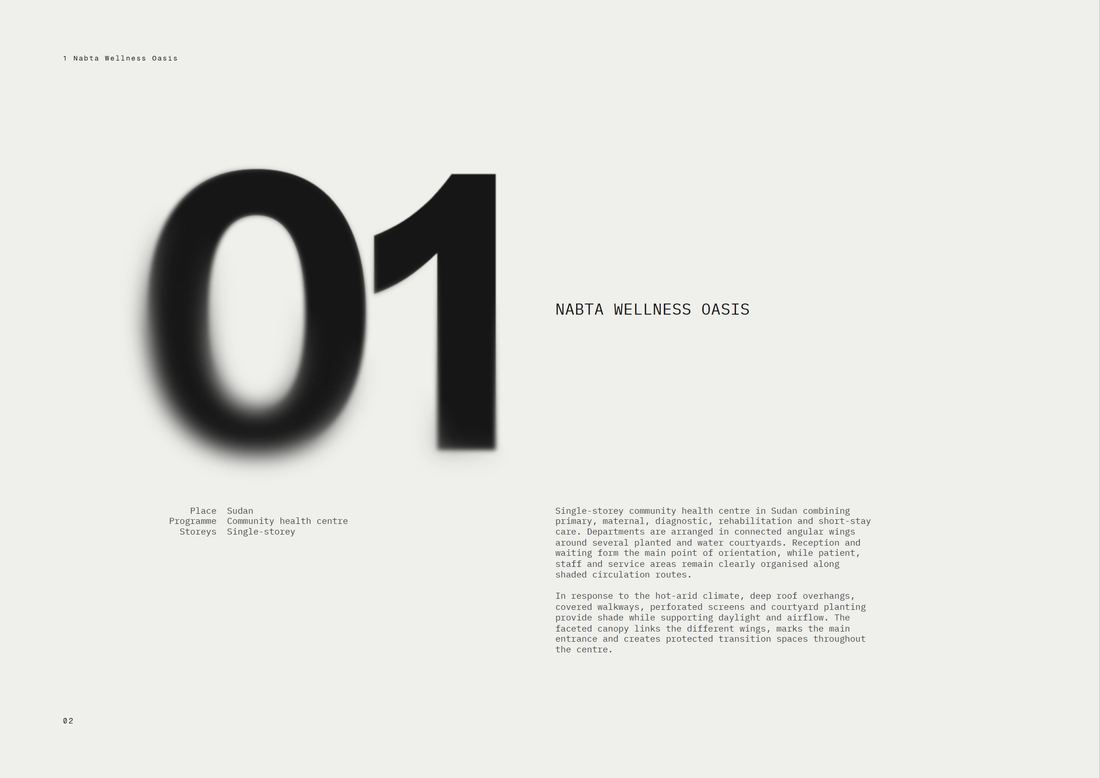
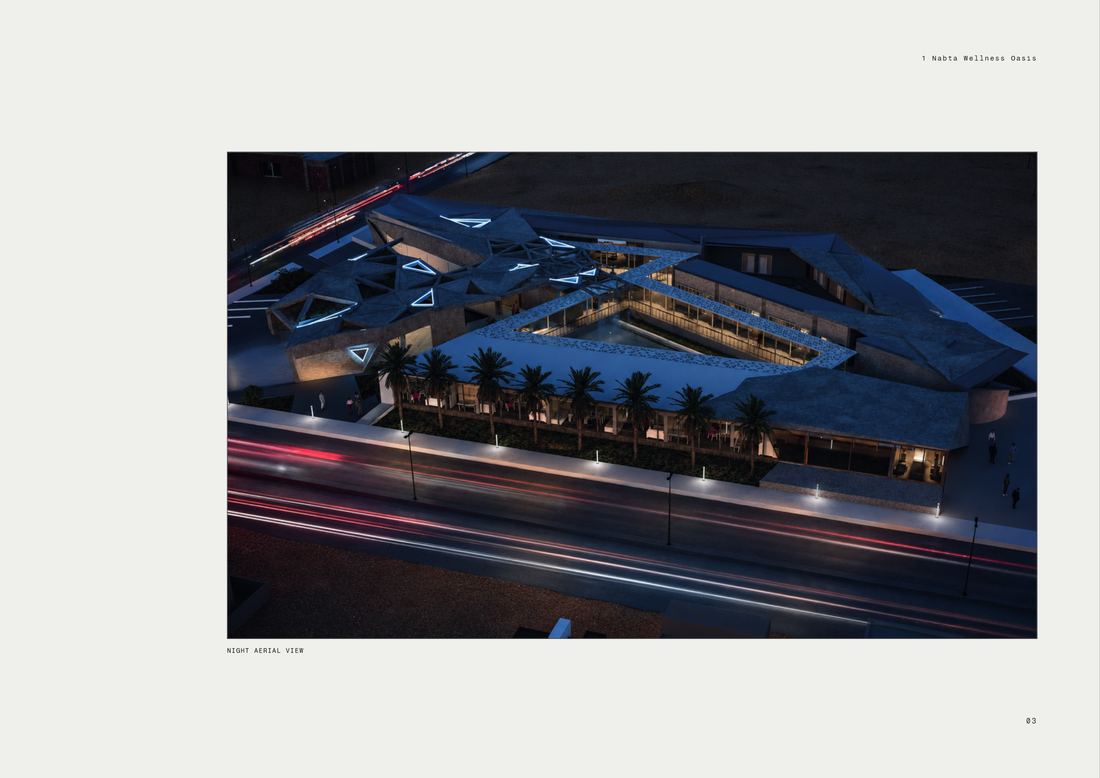
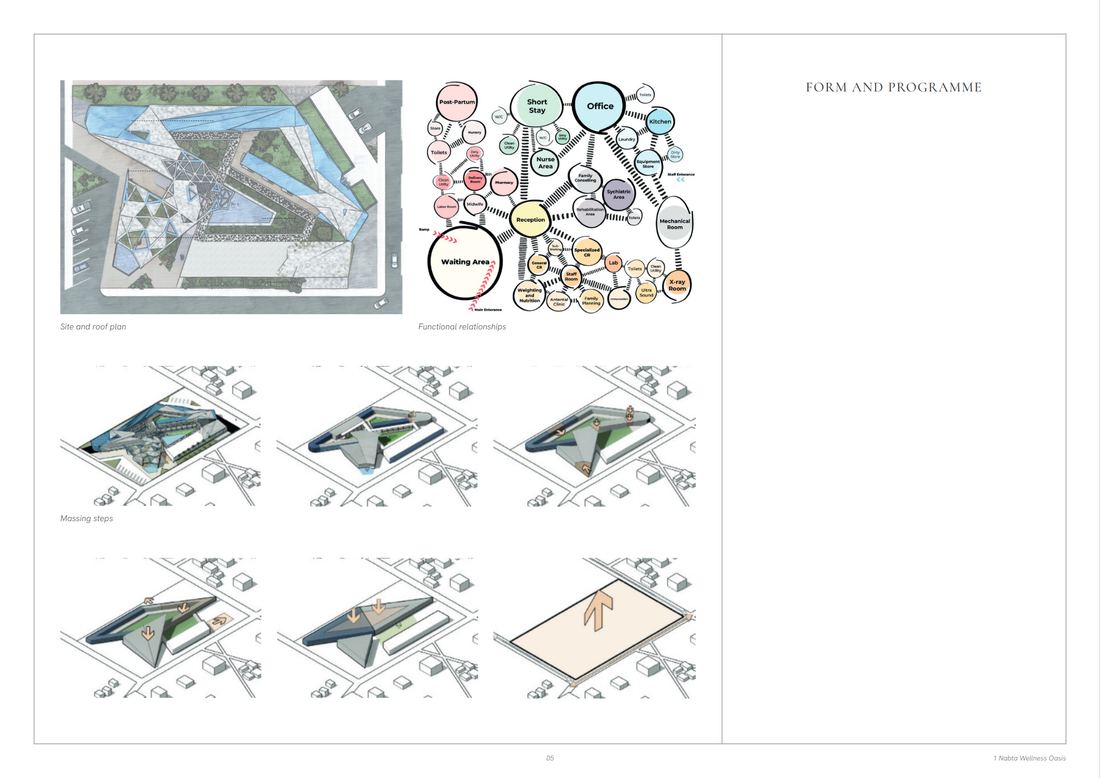
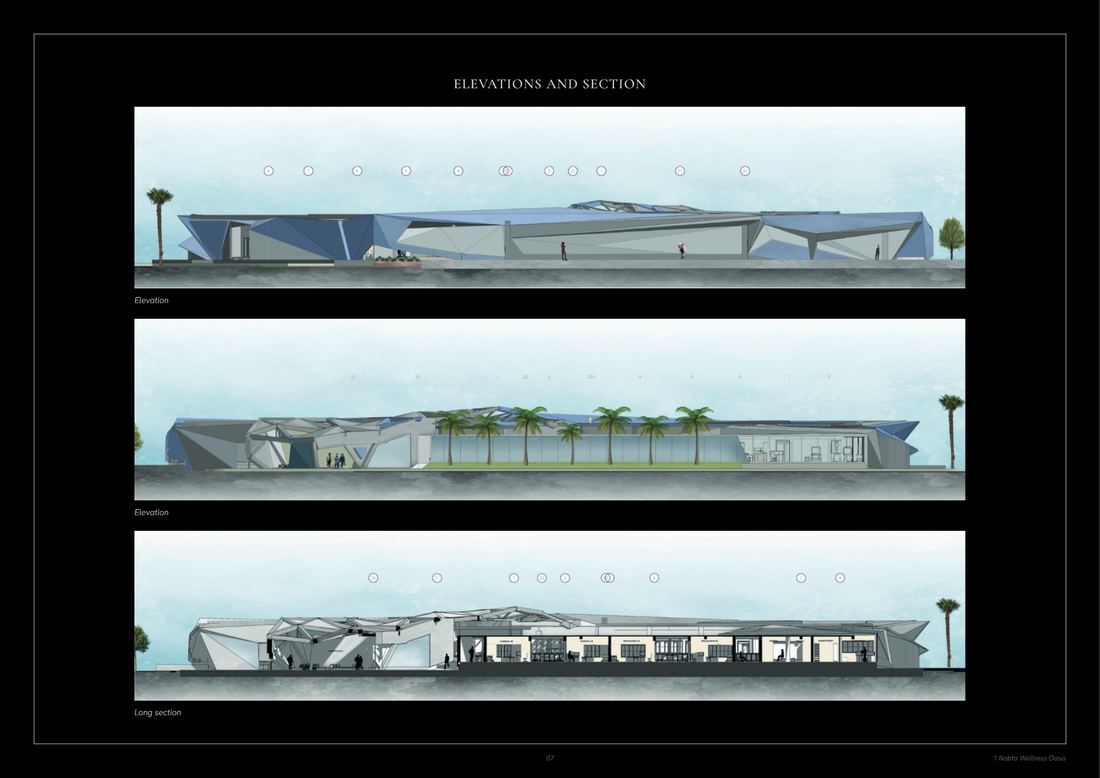
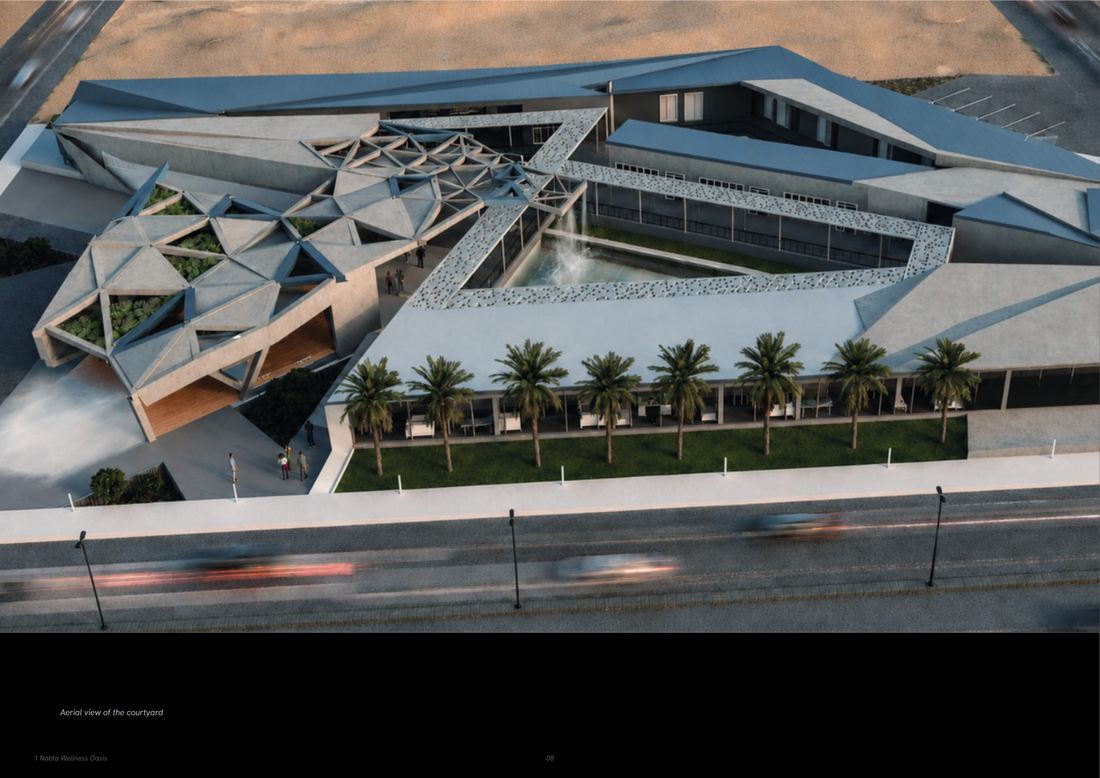
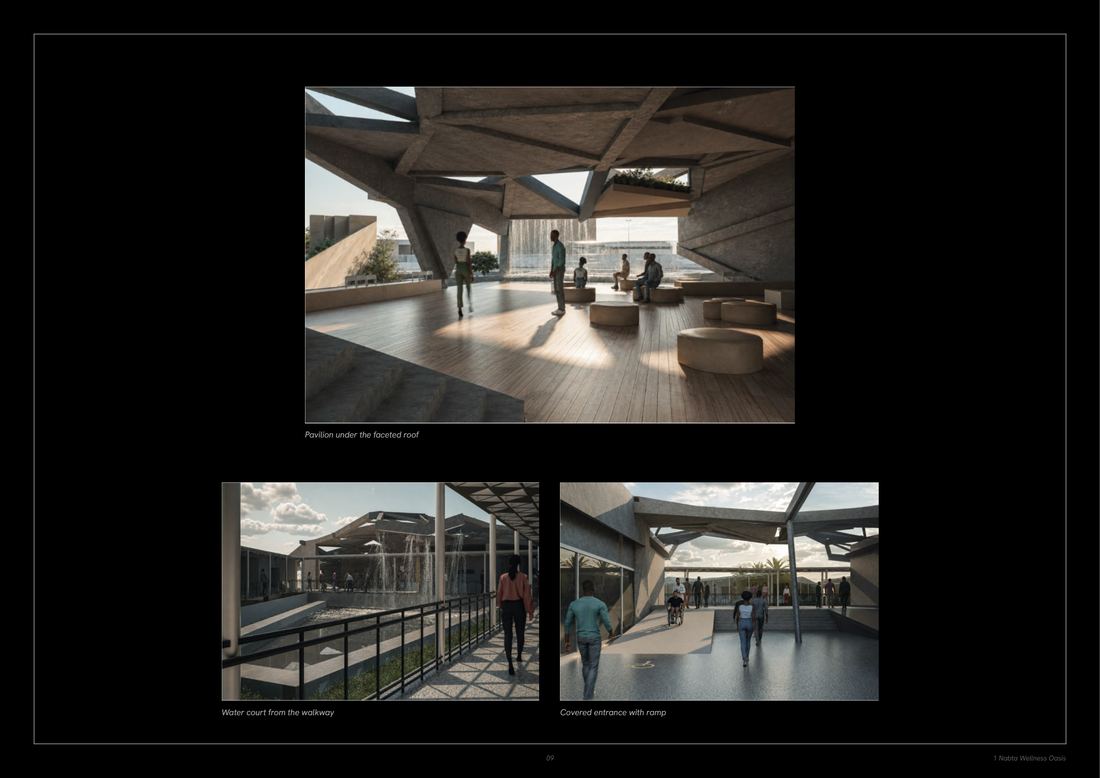
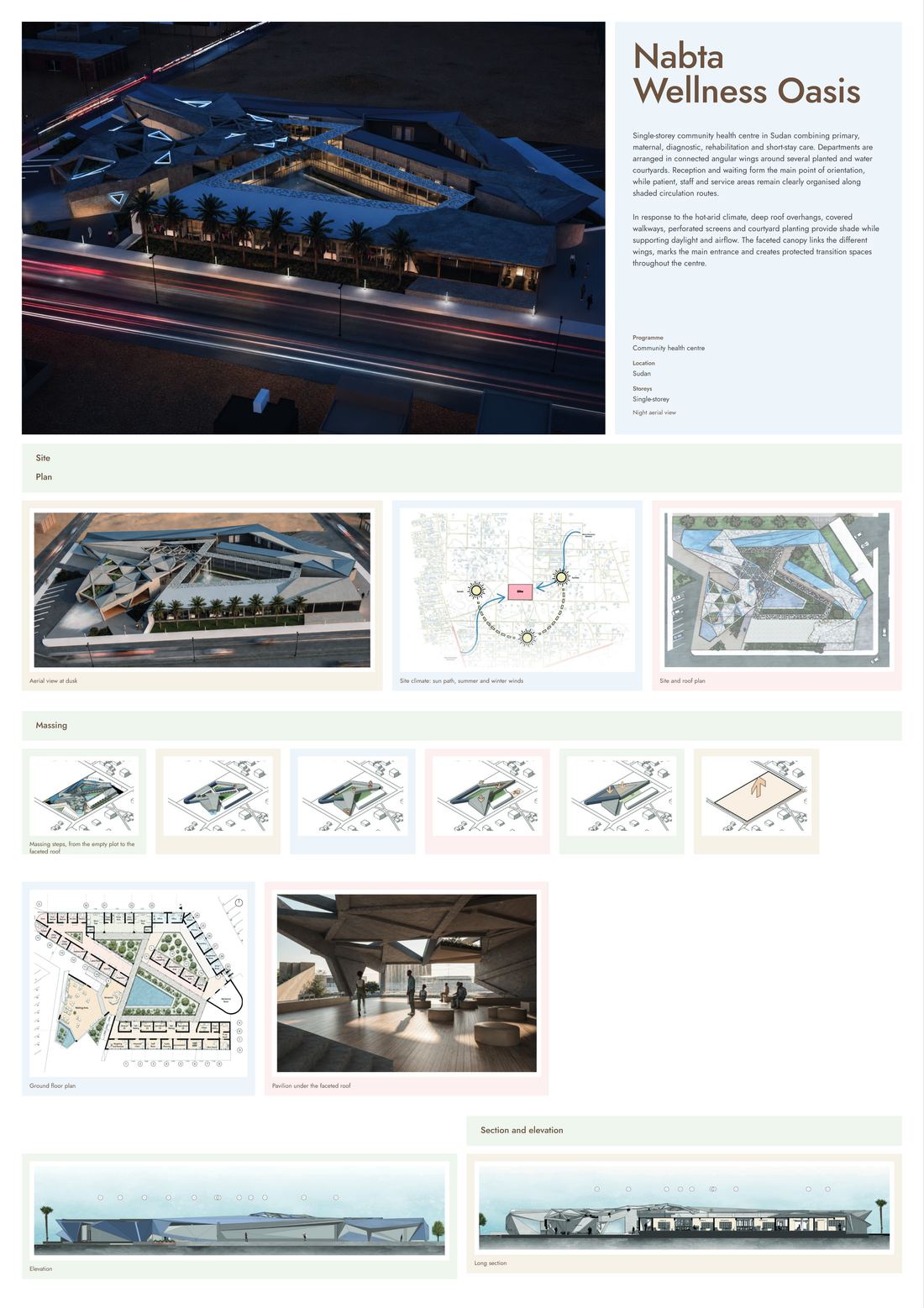
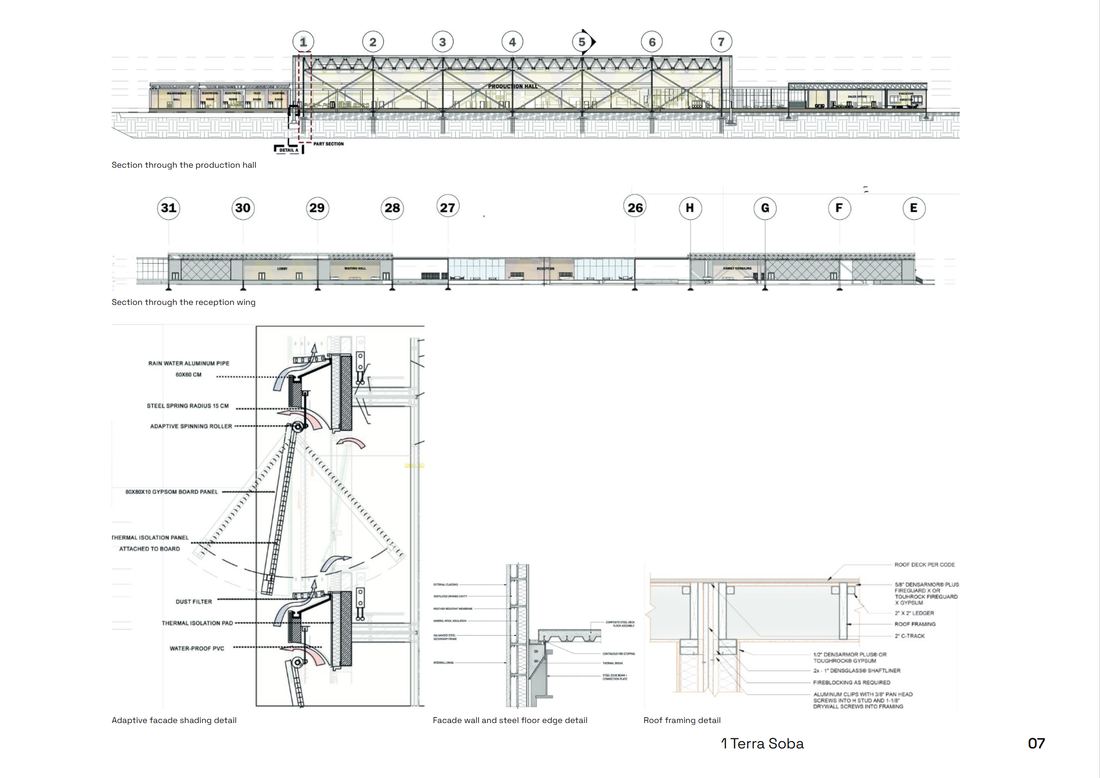
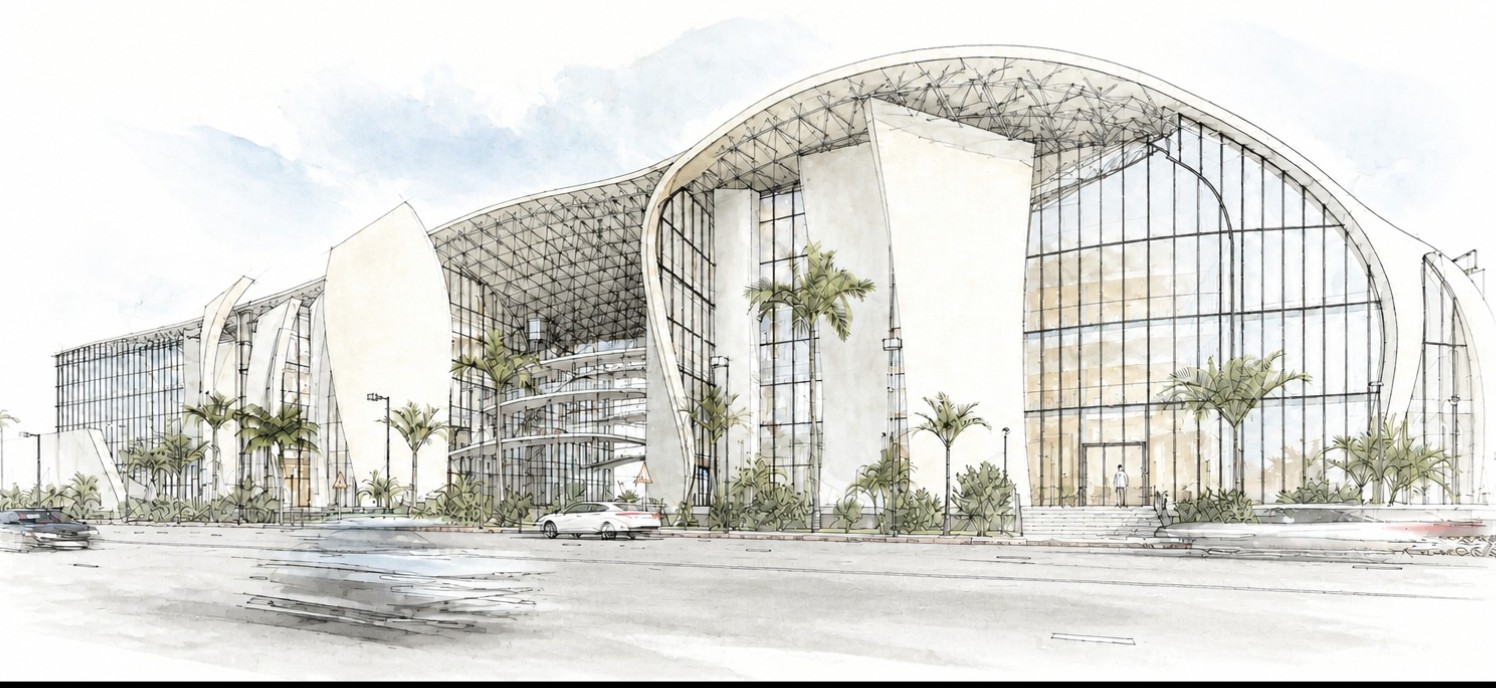
Nabta Wellness Oasis: its renders, plans and sections, laid out by Create with AI in the Nightline style. Every template on this page was made the same way.
Divide a page into frames, drag the gaps, then put a picture, text or space in each. Every frame stays in line. Try it right here.
The editor, live · click in it, watch it build a page or click to take over · scroll moves, Ctrl + scroll zooms · nothing is saved ·
Split an empty frame side by side or stacked. Frames that make one block merge back into one.
Drag the gap between frames and every frame on it follows.
Select frames in a row or a column and give them the same size in one click.
Every template is a real project laid out by Create with AI. Start from one and put your own work in.
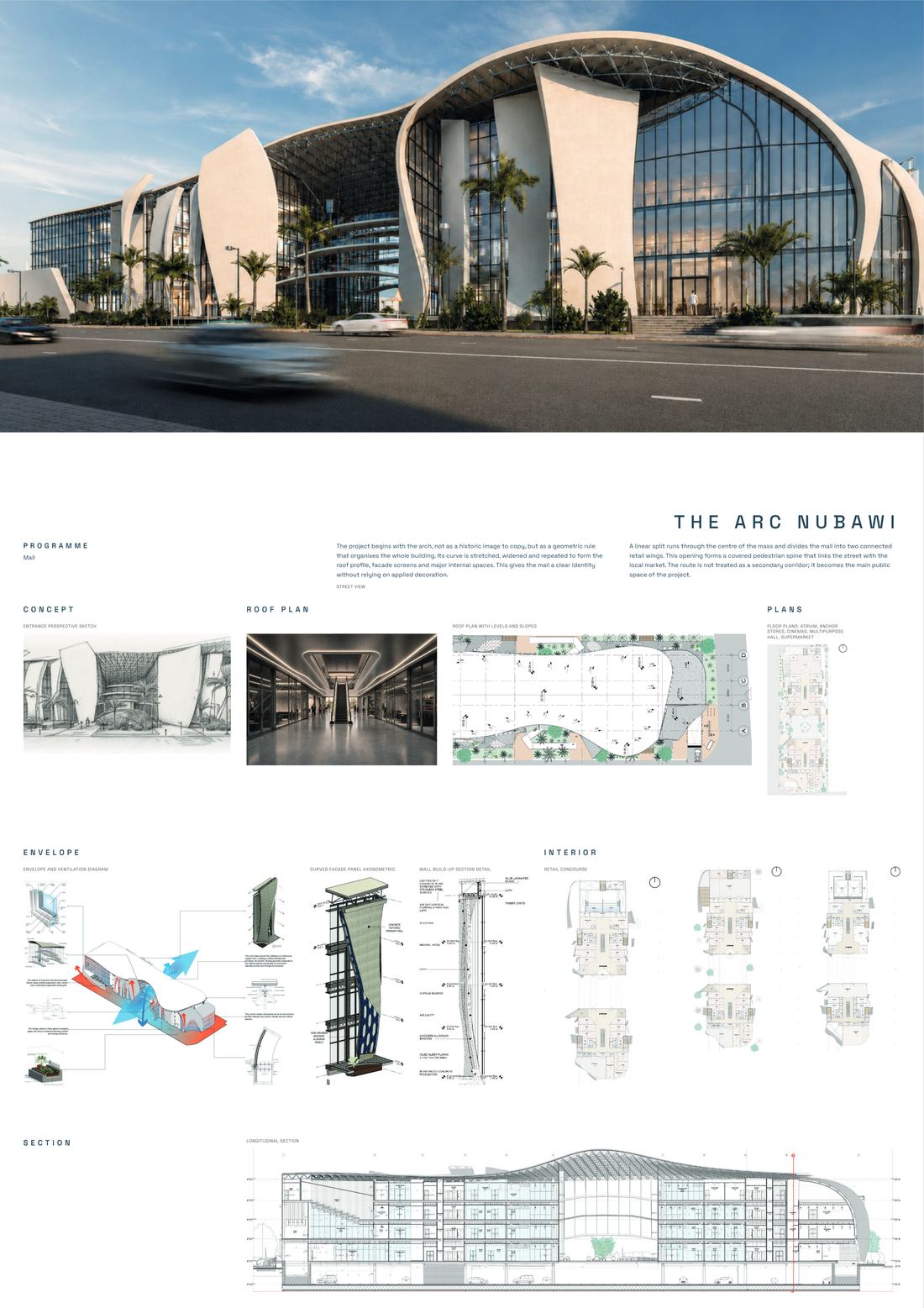
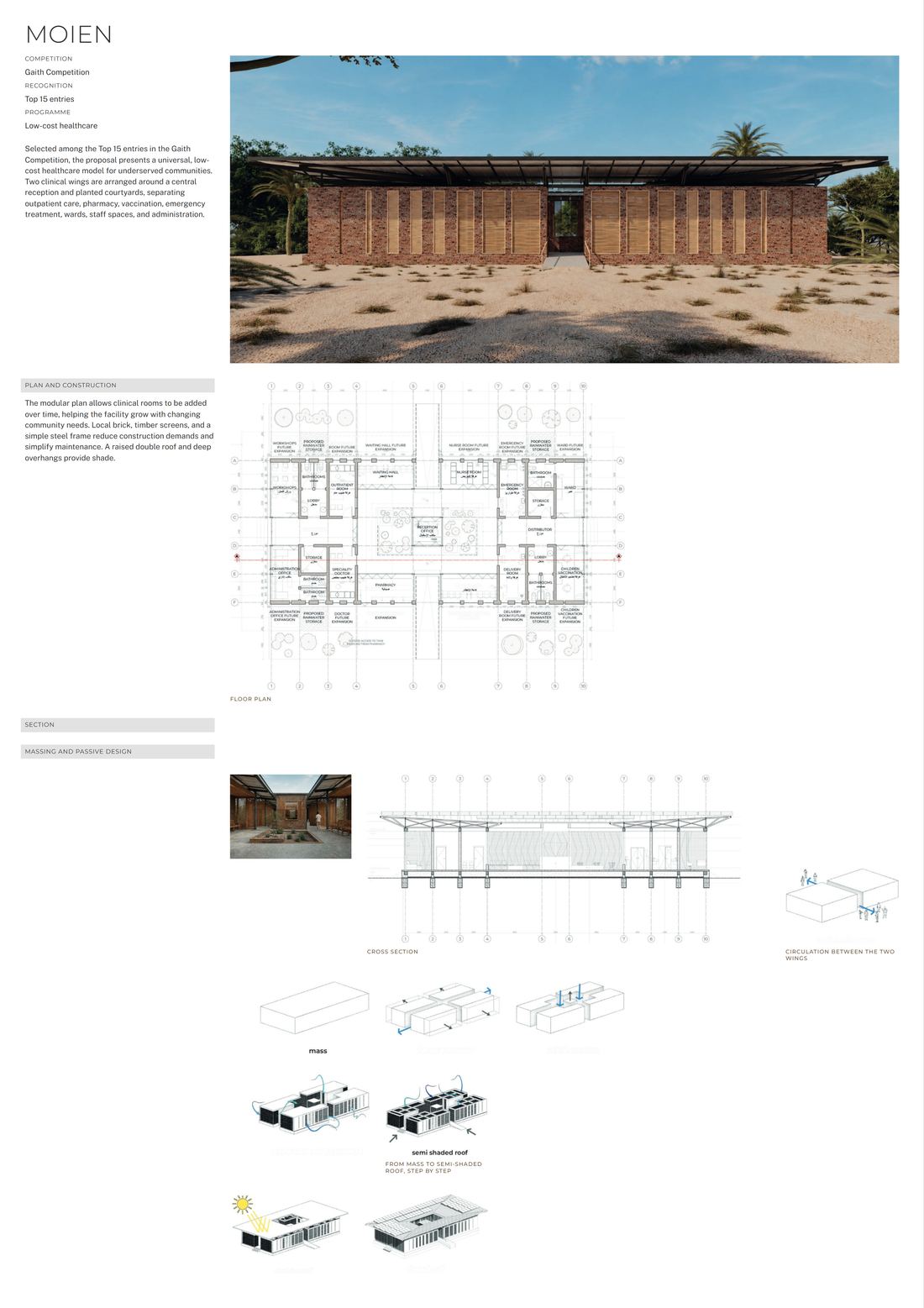
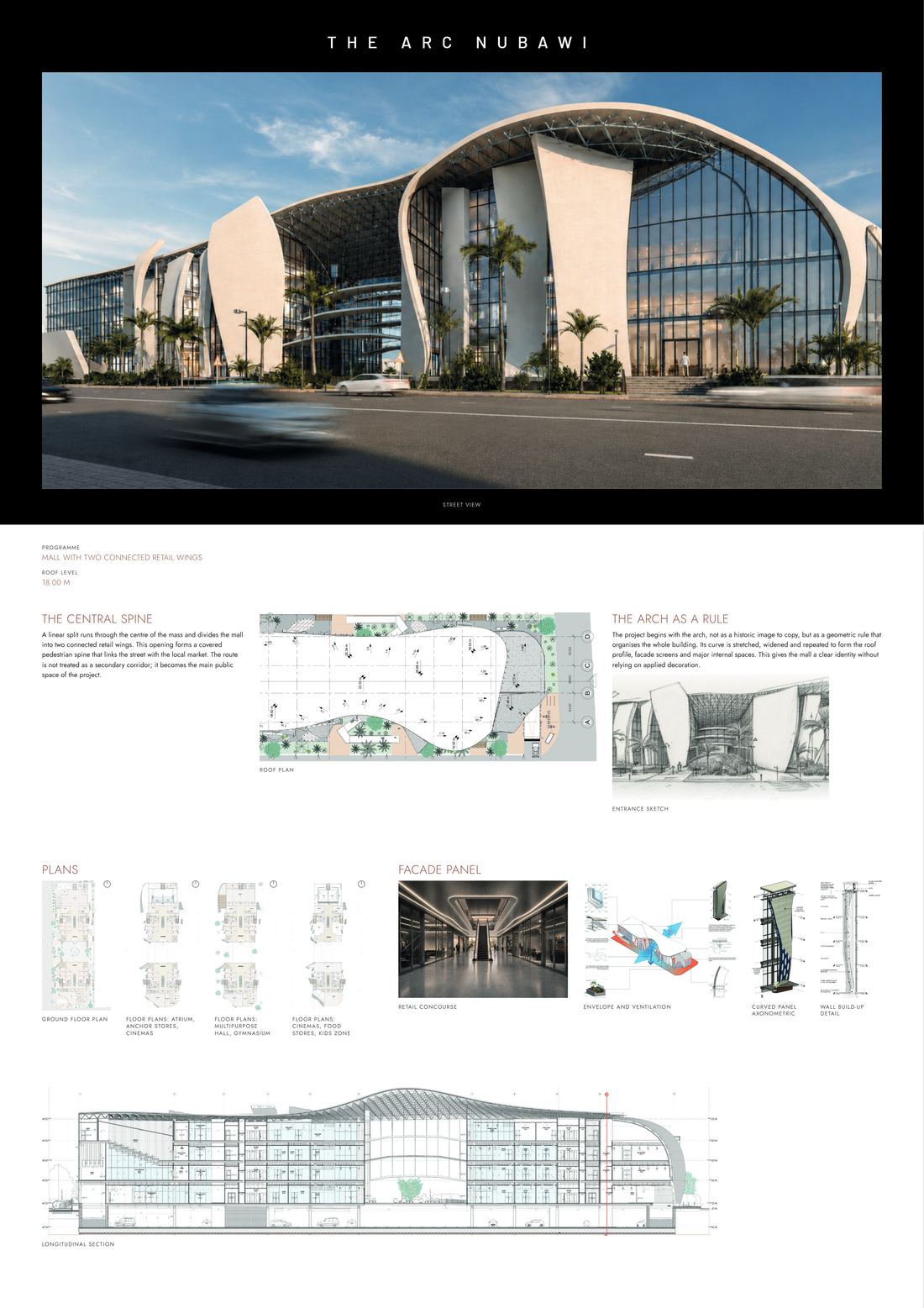
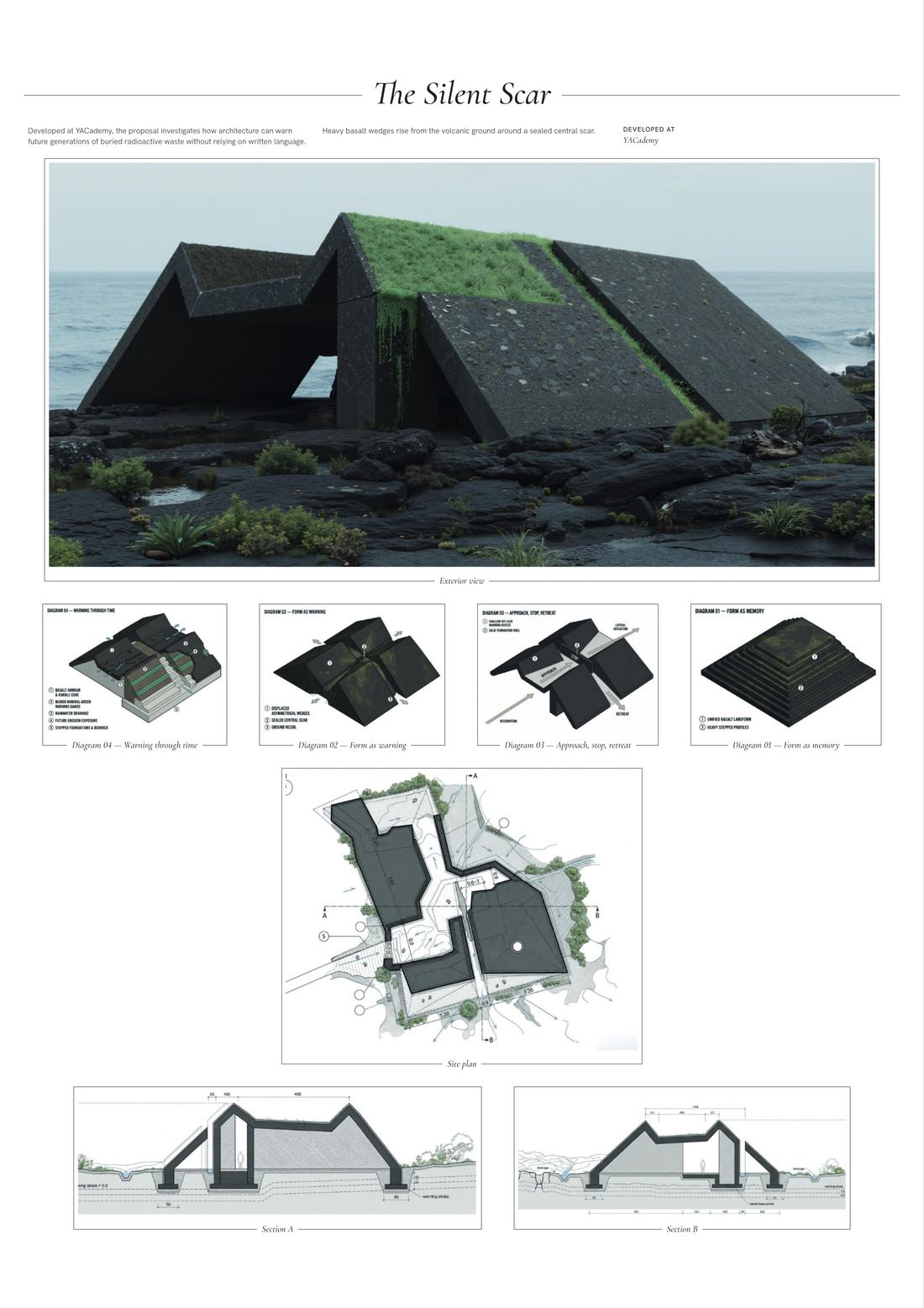
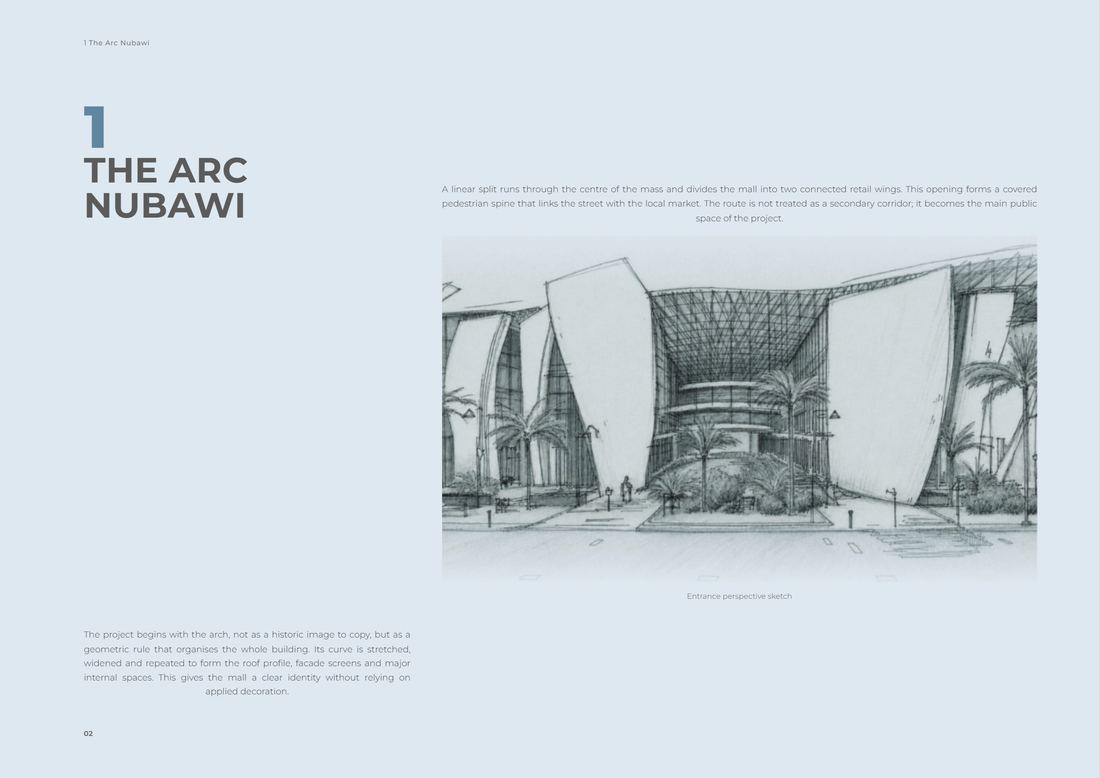
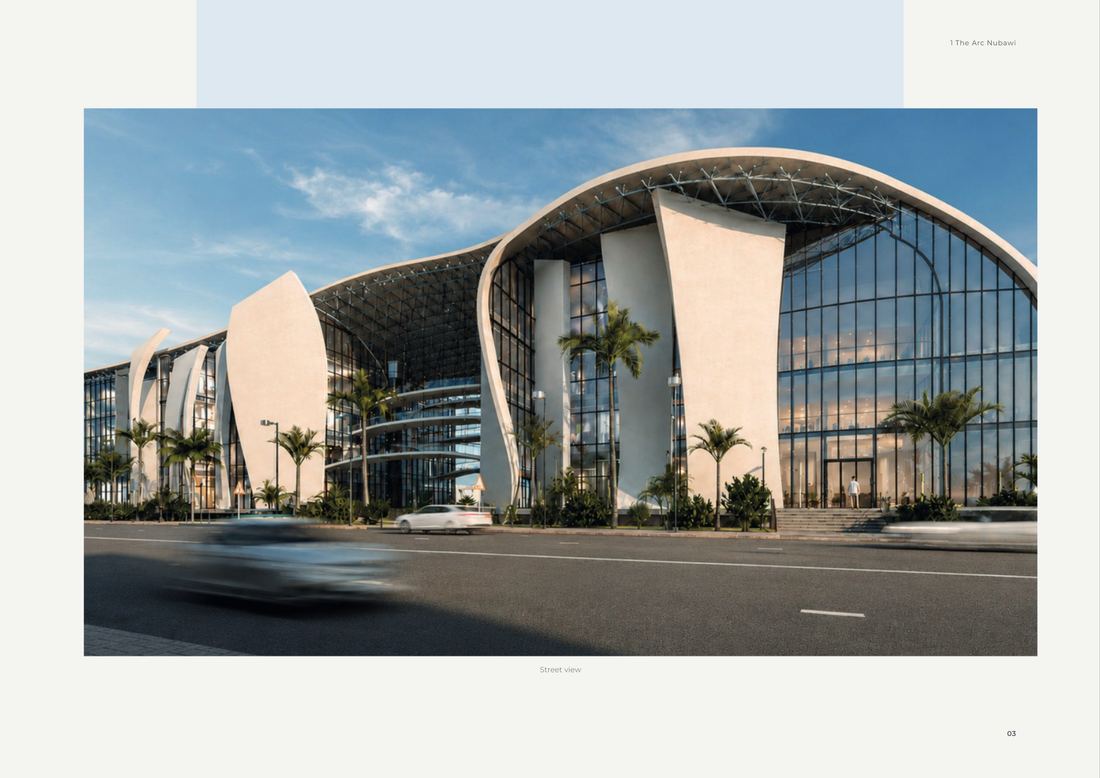
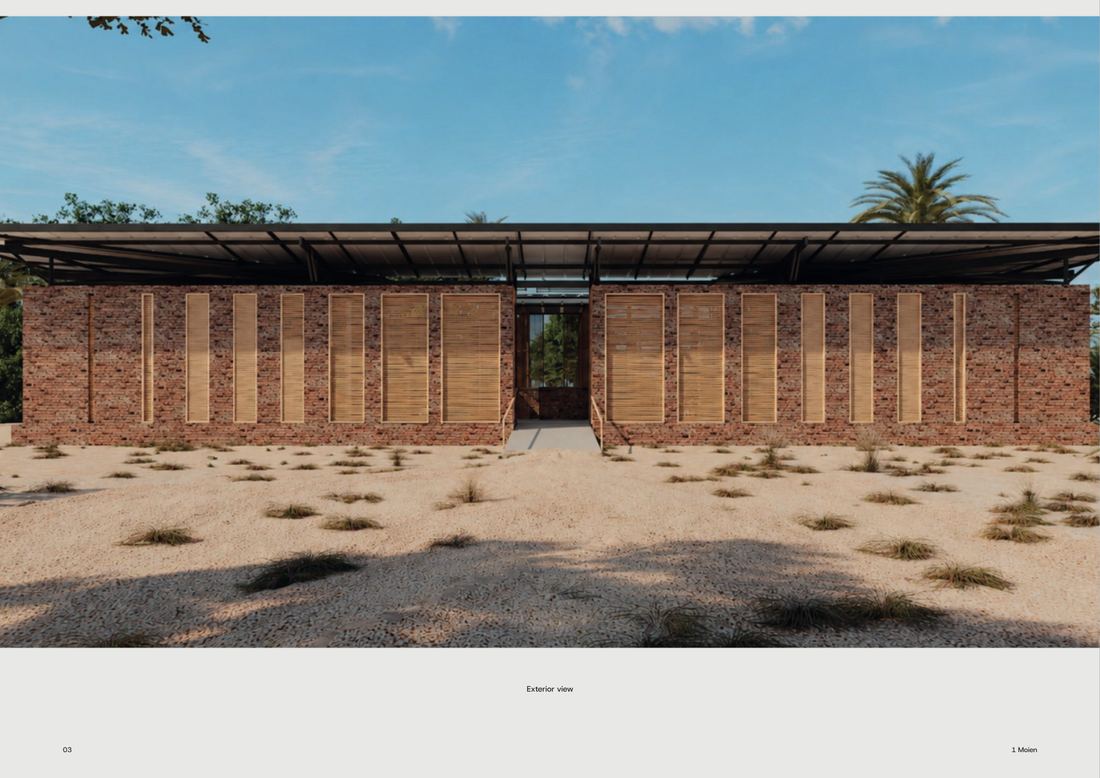
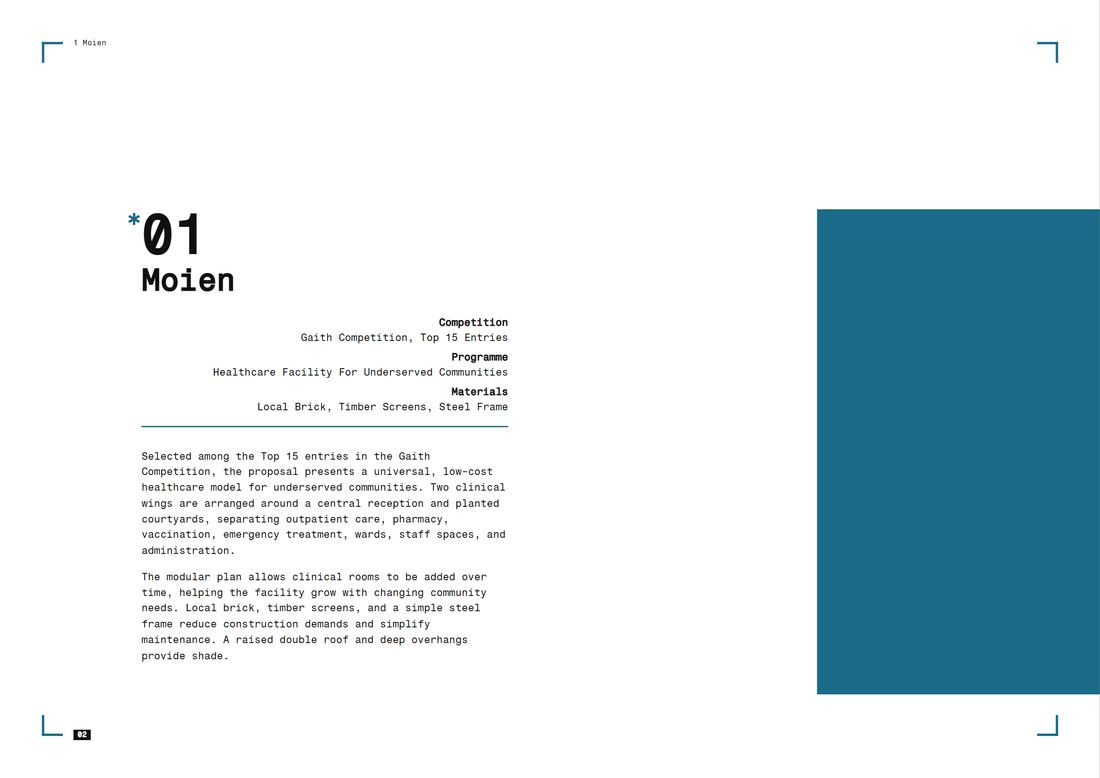
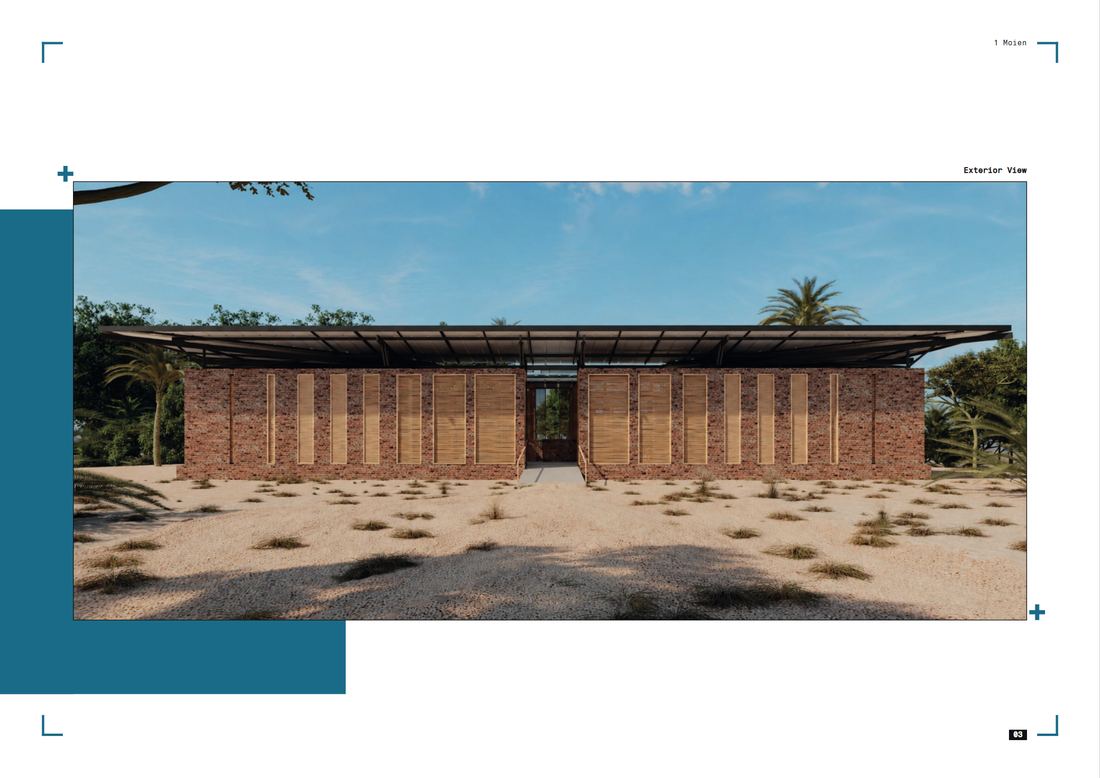
Bring in a PDF or an InDesign file (IDML). Its pages come in as pages you can edit, one by one. No starting over.
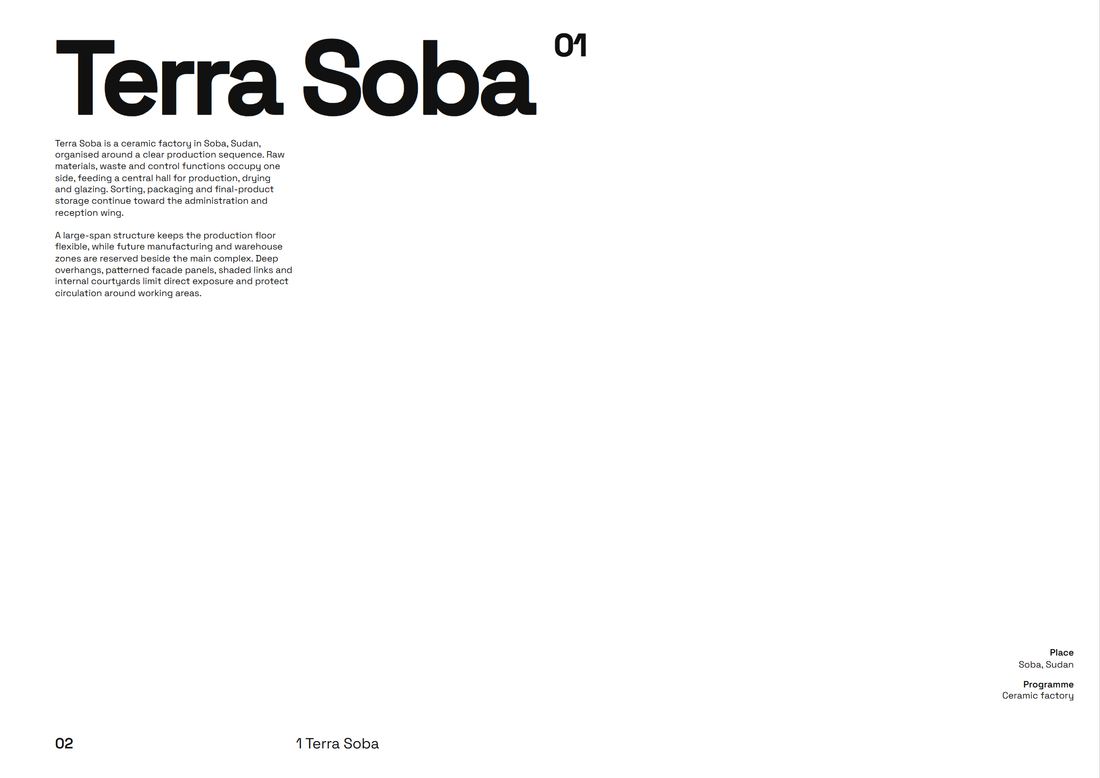
Three AI tools in one box that opens on any picture in your layout. The result stays in its frame on the page.
Sketch rough shapes with the pen and choose Create layout from sketch. Portovy turns them into clean frames inside the margins, ready for your drawings.
Scrapbooks of symbols to drop onto a drawing at its scale, and materials that give plans and sections their hatches and finishes. All of it is in the tool, ready to use.
Everything after is the same editor, and the same file.
Add images, drawings and text to each project. Portovy arranges them into pages you can keep editing.
Start with AI ›Portfolio and board templates, ready for your own work.
Browse templates ›Import a portfolio you already made and keep working on it, page by page.
Bring in work ›Start from a blank page with the full set of tools.
Open a blank page ›Portfolios, competition boards and project sheets, at the size they are printed.
Portovy brings drawings, images and writing into portfolios and presentation boards. Work on a blank canvas, start from a template, or use your material to explore an AI-assisted layout.
Yes. Bring in existing work imports a PDF or IDML file, and you keep working on it page by page.
Yes. An AI layout is made of ordinary pages and frames: move, resize, replace or delete anything on them, or step to another layout with the arrows beside the page.
Review reads an existing PDF and connects feedback to the pages. It looks at architectural communication: sequence, hierarchy, reading, consistency, drawing labels, context and submission requirements.
Online, in your own space. Download a backup any time.
Yes, from the editor’s export controls, at the page size you set: A0 to A4, Letter, Tabloid, square, a 16:9 screen or an exact size.
Every other question, in Help